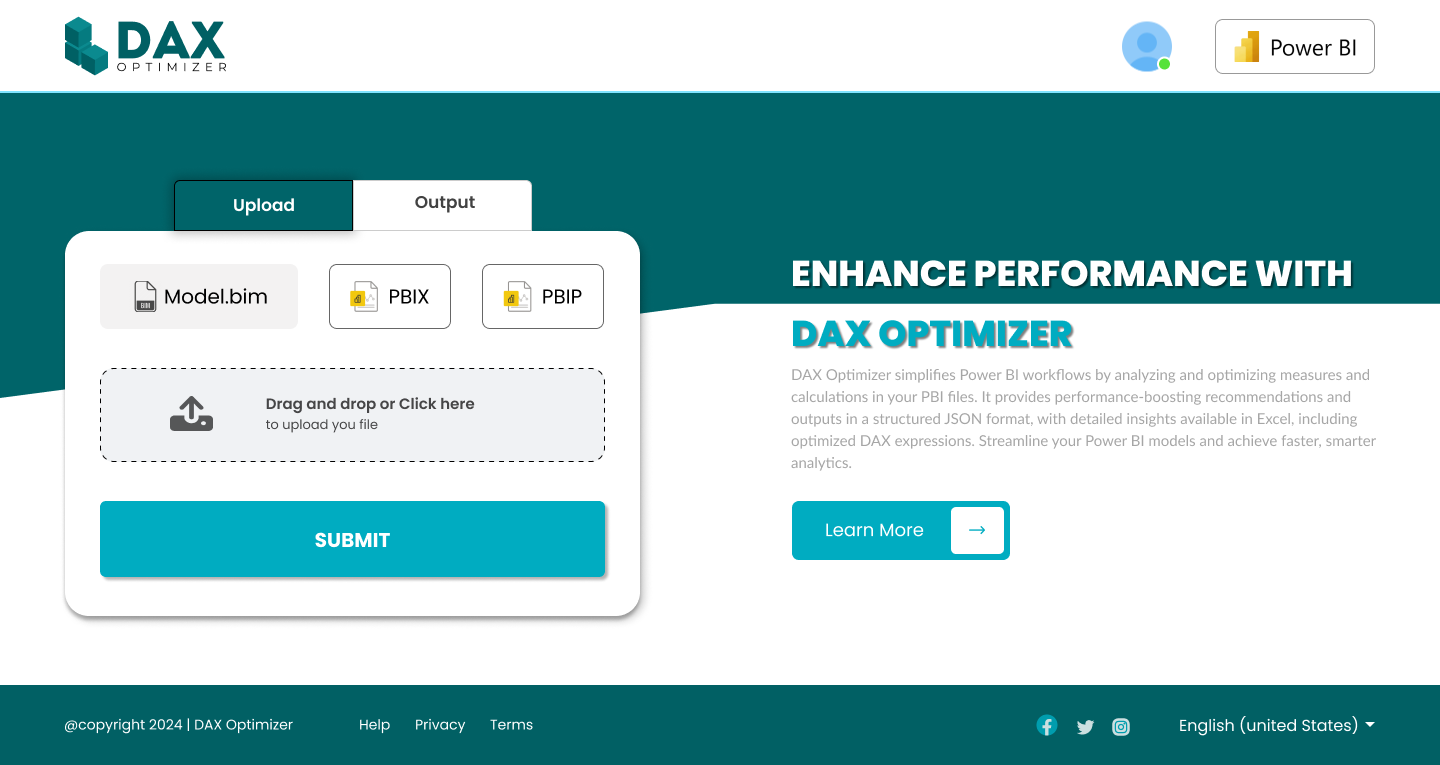
Power BI is an incredible tool for transforming raw data into actionable insights. However, as reports grow in complexity, users often experience slow performance, high memory consumption, and inefficient DAX queries.
If your Power BI dashboards are sluggish, it’s time to unlock the full potential of your reports with DAX Optimizer—a powerful solution designed to enhance query performance and streamline calculations.
The Hidden Problem: Why Power BI Reports Slow Down
DAX (Data Analysis Expressions) is the backbone of Power BI, but writing efficient DAX requires deep technical knowledge. Common reasons for poor performance include:
⚠ Overuse of iterators (SUMX, FILTER, etc.), leading to excessive row-by-row calculations.
⚠ Inefficient relationships and model design that force unnecessary calculations.
⚠ Too many calculated columns increasing memory usage instead of using measures.
⚠ Excessive context transitions slowing down aggregation performance.
When reports take minutes instead of seconds to load, it impacts business decisions and user experience.
How DAX Optimizer Solves This Problem
🔹 Automated Query Optimization – Instantly detects and suggests improvements for slow DAX measures.
🔹 Performance Benchmarking – Compares execution time before and after optimization.
🔹 Best Practice Recommendations – Implements Microsoft-recommended performance enhancements.
🔹 Memory Footprint Reduction – Ensures efficient model size by restructuring heavy calculations.
🔹 Real-Time Monitoring – Provides continuous insights into Power BI query performance.
DAX Optimizer simplifies the complex process of fine-tuning performance, making it easier for developers, analysts, and business users to get faster reports without deep technical expertise.
Real Impact: Faster, More Efficient Power BI Dashboards
✅ Reports that once took 10+ seconds to load can be optimized to under 2 seconds.
✅ Reduced RAM usage, allowing smoother performance in large datasets.
✅ Improved user experience, ensuring real-time decision-making is possible.
✅ Less manual debugging—DAX Optimizer does the heavy lifting for you.
Whether you’re a Power BI developer looking to fine-tune your reports or a business analyst who needs faster insights, DAX Optimizer helps maximize performance effortlessly.
Get Started with DAX Optimizer Today
🚀 Stop waiting for slow reports! Upgrade your Power BI experience with DAX Optimizer and ensure every query runs at peak efficiency.💡 Want to see how it works? Try it today and transform your Power BI performance!